

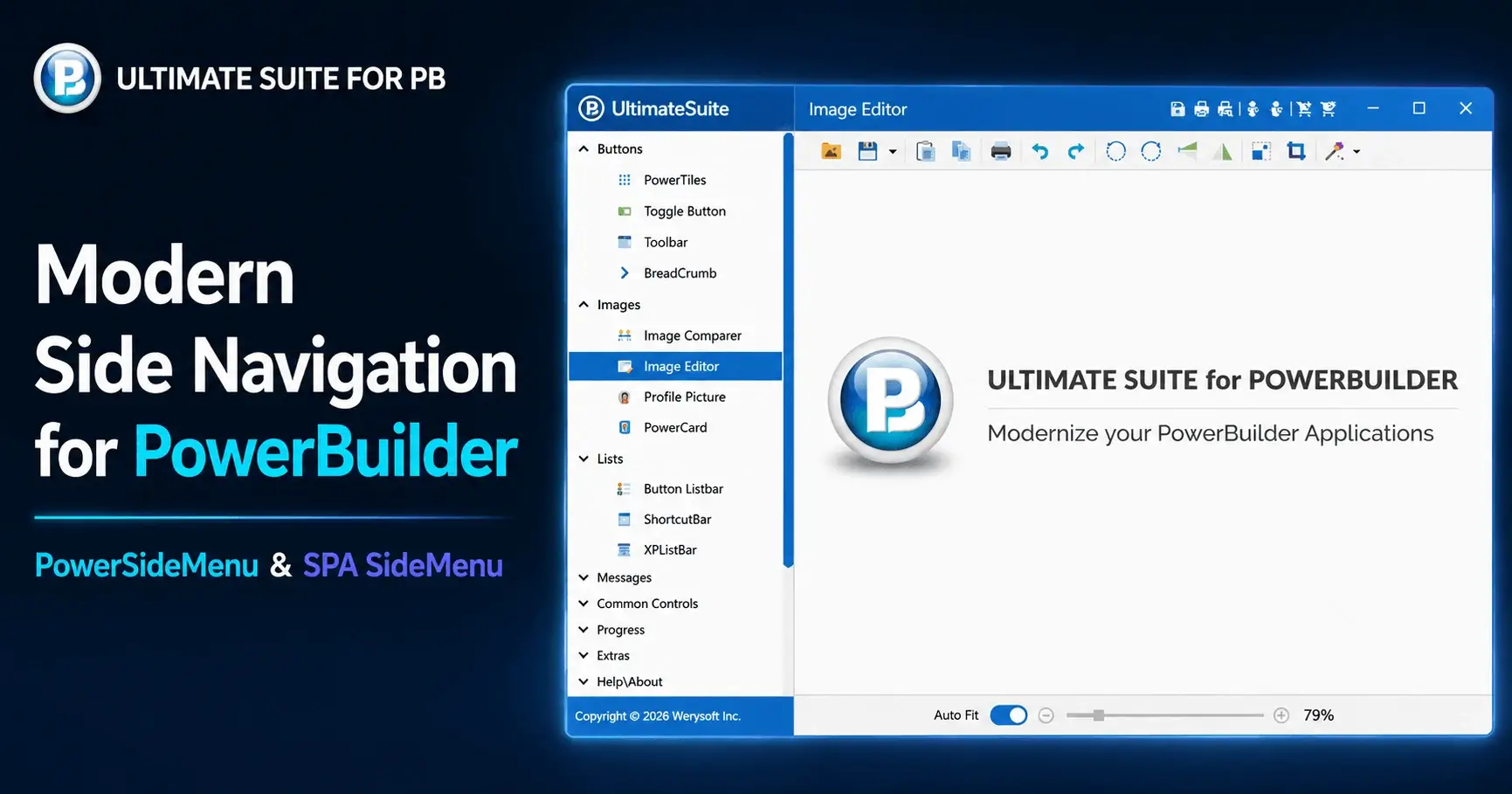
Ultimate Suite for PowerBuilder 2026 R1 has been available since June 2026. Its headline additions are two new navigation controls that turn a standard PowerBuilder Menu into a modern, vertical side menu, with no need to rebuild your existing navigation.
The release also brings sharper high-resolution display support, an updated charting engine, and a round of enhancements and fixes.
Two New Side-Menu Controls
Both controls share the same premise: take a PowerBuilder Menu object you already have and present it as a modern side menu, without rewriting your navigation or touching the logic behind it.
PowerSideMenu
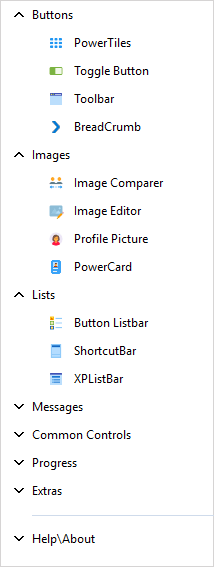
PowerSideMenu is a control you drop onto a window. Point it at an existing PowerBuilder Menu and it renders that menu as a side menu, with expandable and collapsible groups. You can highlight the selected item, choose from a set of built-in color themes, adjust the font, and enable right-to-left support when you need it.
SPA SideMenu
SPA SideMenu applies the same concept to an entire window. It's a new base window for building Single Page Applications: the side menu is generated from your PowerBuilder Menu, and your user objects open as panels in the main area. Selecting a menu item opens the matching panel, and if it's already open, it simply comes back to the front. A custom caption bar leaves room for your own toolbar buttons.
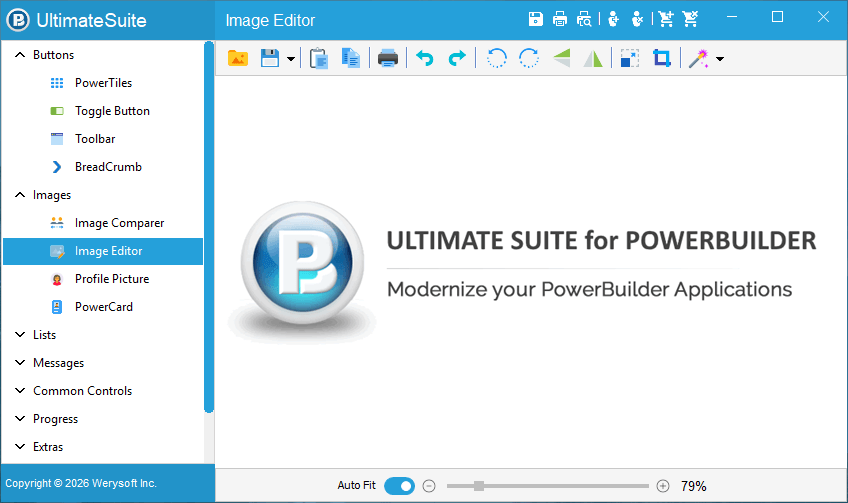
In short: use PowerSideMenu to add a side menu to an existing window, or start from SPA SideMenu when you want the whole single-page shell.
Sharper on High-Resolution Displays
PowerBuilder 2025 introduced new DPI features, and 2026 R1 has been updated to work well with them, so interfaces look cleaner on modern high-resolution monitors. This comes alongside improved 64-bit support.
One practical change for deployments: a new PBUSExternal64.dll can now sit next to the existing PBUSExternal.dll. You no longer need to swap in the right DLL depending on whether your app is 32-bit or 64-bit. Both can ship together.
Updated Charting with PowerChart
PowerChart is updated and now packaged with 2026 R1, with support for the Chart.js 4.5.1 engine on PowerBuilder 2022 and later. It selects the right engine for your PowerBuilder version automatically, so charts you've already built keep working without a rewrite.
USPB Enhancements
A few controls picked up useful upgrades:
- PowerSearch can now cap how many results it returns (10,000 by default), which helps performance on large searches.
- PowerSearchBox and PowerSearchDropdown render faster.
- Button Listbar gained a standard scrollbar.
- BreadCrumb got better drop-down sizing and a scrollbar.
- XPListbar added a new Triangle style for its groups.
Fixes
This release also cleans up a handful of issues, mostly in the Toolbar and XPListbar controls, including the toolbar's hover effect in vertical orientation, overflow chevron behavior when both left and right items are present, text wrapping on list-style toolbars, and, in XPListbar, the header gradient under RTL and item overlap when groups are added on the fly.
Browse the ControlsFull Release History
About Ultimate Suite for PowerBuilder
Ultimate Suite for PowerBuilder (USPB) is a component library that modernizes the look and feel of PowerBuilder applications. It adds modern controls, navigation, and charts to existing screens, letting teams refresh legacy interfaces without rewriting the business logic behind them.