

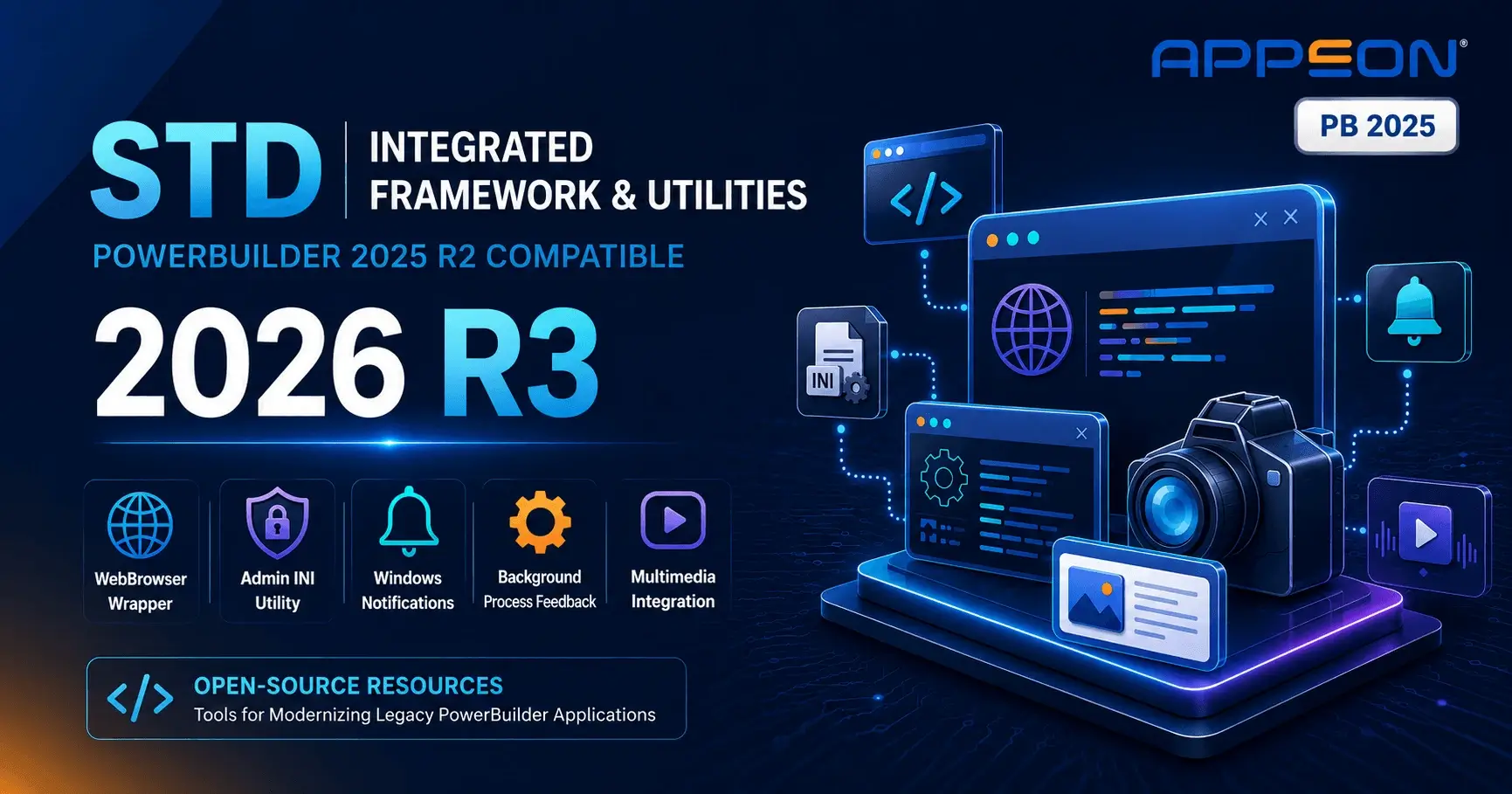
Chris Pollach has had a busy summer. The Technical Evangelist at Software Tool & Die Inc. (STD) published six releases in a single week in August 2026. That includes a new version of the Integrated Foundation Class framework, 2026 R3, plus five updated demo and utility applications.
All six are rebuilt against PowerBuilder 2025 R2 GA (build 6430). Here is what shipped, and what it means for PowerBuilder teams.
STD Integrated Framework 2026 R3: Released to Production
Version 2026.3.0.481 was released on 19 August 2026. It targets PowerBuilder 2025 R2 GA (build 6430), PowerServer 2025 R2 (Cloud), and InfoMaker 2025 R2.
The framework now stands at over 122,000 lines of code. It remains free and open source. It covers Native, PowerClient, and PowerServer deployment models.
The Headline: A Modern WebBrowser Wrapper
Most of the 19 changes in R3 target the embedded browser. STD has introduced a new Custom Visual User Object, vs_wb_master. It wraps PowerBuilder's standard WebBrowser control and adds the functionality developers usually end up writing themselves:
- Create a PDF from the currently displayed web page
- Zoom control and language translation of the current page
- URL search, page refresh, and scroll next / scroll previous navigation
- Print the current web page and copy it to the clipboard
- Open the downloads folder directly from the control
of_set_home_urlandof_get_home_urlto manage the control's Home URLof_get_current_htmlandof_set_saved_urlto retrieve and persist page HTML without interfering with Design Mode
Supporting changes round this out. fn_set_web_browser now handles WebView control languages. fn_spell_check can use the browser's own spell checker as an alternative to the standard method. And nc_app_controller_master gains two new methods: of_is_webbrowser_used and of_get_microhelp_class.
This matters for teams still carrying legacy embedded browser components. Outdated browser controls are one of the recurring risk areas flagged in the 2026 Guide to Securing PowerBuilder Applications. They expose applications to vulnerabilities that are no longer patched. Standardizing on a modern, maintained WebView wrapper removes that exposure. It also adds capability rather than taking it away.
The OrderEntry demo application is the reference implementation for the framework. It has been updated to 2026 R3 alongside the release.
Chris also credits Visual Expert for the analysis and documentation of the framework's class hierarchy. It is used to keep the growing codebase navigable.
Download Framework 2026 R3 Getting Started Video Series
Admin INI 2026 R3: Encrypted Connection Settings
Released 17 August 2026. The Admin INI utility manages application INI files. More importantly, it manages the database connection credentials inside them.
The utility encrypts and decrypts database connection settings held in INI files. At runtime, the STD framework decrypts the credentials on startup. It then immediately re-encrypts them in memory using random keys. That is a defense against memory-scraping attacks, which read plaintext credentials out of a running process.
It works across Client/Server, PowerClient, and PowerServer architectures.
Hard-coded and plaintext credentials remain one of the most common findings in PowerBuilder security reviews. This is a practical, drop-in example of how to address it.
Other updates in this release:
- Codebase migrated to PowerBuilder 2025 R2 build 6430 and framework build 2026.3.0.481
- Enhanced theme support for PB 2025 R2's new Hi-Res capabilities
- Menus can now display as either a toolbar or a ribbon bar, selectable via an INI setting
- Tested on Windows 11 version 25H2 (build 26200.9168)
Notification Utility 2026 R3: Native Windows Toasts from Anywhere
Build 2026.3.0.61, released 18 August 2026. This small command-line utility raises native MS-Windows notifications. It does not need to be called from PowerBuilder at all.
It takes three parameters. Time=nn sets the display duration in seconds. Name=xxxx sets the application name. Msg=xxxx sets the user message. It returns +1 on success or -1 on failure.
- Three compilations shipped:
pbnotify64p.exe(64-bit P-Code),pbnotify32P.exe(32-bit P-Code), andpbnotify32M.exe(32-bit M-Code) - Callable from Native, PowerClient, and PowerServer applications
- Equally callable from batch files, PowerShell, or the Windows Scheduler
- Multiple notifications can display at once, provided the application names or messages differ
- Automatic logging via the STD framework
- Requires Windows 10 or higher. Tested on Windows 11 version 25H2 (build 26200.9168)
Useful for teams running unattended batch jobs or scheduled processes alongside a PowerBuilder application. It surfaces completion and failure alerts to the desktop without building anything.
Marquee Utility 2026 R3: Activity Feedback During Long Operations
Build 2026.3.0.8, released 18 August 2026. The Marquee utility displays an animated overlay on an open window. It signals that background processing is underway.
One design detail makes it genuinely useful. It runs in its own process. So when the calling application enters a wait state during a long operation, the animation keeps running. That is the exact moment a user is most likely to assume the application has hung.
- Five built-in animations, selectable via INI file:
Arrows.gif,Balls.gif,Blocks.gif,Radar.gif, andVelocity.gif - Additional developer animations are easily added
- Auto-centers on the calling window with a semi-transparent display
- New
of_start_marqueeandof_stop_marqueemethods in the ancestor Application Controller - Can be terminated via the PowerBuilder
Send()command - Works with or without the STD Integrated Framework 2026 R3
MP3 Player 2026 R3
Version 2026.3.0.07, released 16 August 2026. The MP3 Player selects one or more MP3 files and plays them. It uses the framework's MCI (Multimedia Command Interface) MS-Windows APIs.
As an application it is straightforward. It generates a playlist automatically from the MP3 files in the application folder. Controls cover Play, Pause, Stop, Next, Prior, and First. You can replay a single track or the full playlist. A visual animation stays synchronized to playback. Volume, left/right balance, and mute controls are built in, with direct access to the Windows Volume Mixer.
Its real value is as a demonstration. This one small application exercises a long list of framework features you get by inheritance rather than by writing code:
- Zooming and print preview
- Tabbed dialogues and ribbon bar UI
- Logging and debugging tools
- Theme support, including the PB 2025 R2 Hi-Res theme feature
- Multiple monitor support and automatic dialogue centering
- MS-Windows notifications and consistent message box displays
Multi-Media Player 2026 R3
Version 2026.3.0.45, released 16 August 2026. This one demonstrates the framework's vs_ole_media_player_master object class.
It ships in three variations, so you can compare UI approaches directly:
- RibbonBar version, using PowerBuilder's "Display Menu As RibbonBar" feature
- Themed version, using the PB 2022 / 2025 Themes capability
- Original version, the classic SDI application design
The release migrates to PowerBuilder 2025 R2 build 6430 and framework build 2026.3.0.481. The MP4 test URLs now point at open-source media. It has been tested as M-Code 32-bit and P-Code 32/64-bit executables on Windows 11 version 25H2 (build 26200.9168).
Chris notes a practical use for the underlying class. You can embed instructional media directly inside a business application. Think training clips, walkthroughs, or context-sensitive help, all without leaving the app.
What's Next: Framework 2026 R4
Chris has confirmed that work continues on converting further demo applications to 2026 R3.
Beyond that, STD Framework 2026 R4 is planned. It will be released after the first PowerBuilder 2025 R2 Maintenance Release. It will continue to target new PB 2025 R2 features where applicable.
All framework releases and demo applications are available free from the STD Foundation Classes project on SourceForge.
Where NOVALYS Can Help
Are you moving to PowerBuilder 2025 R2 or modernizing an existing application? Our tools can support the transition:
- Visual Expert. Analyze your PowerBuilder code, map every dependency, and identify what needs attention before you migrate. Learn More
- Visual Guard. Add Windows Authentication, SSO, MFA/OAuth 2.0, and role-based permissions without rewriting your application. Learn More
- AscentialTest. Build object-based automated tests that stay stable when the UI changes. Learn More