

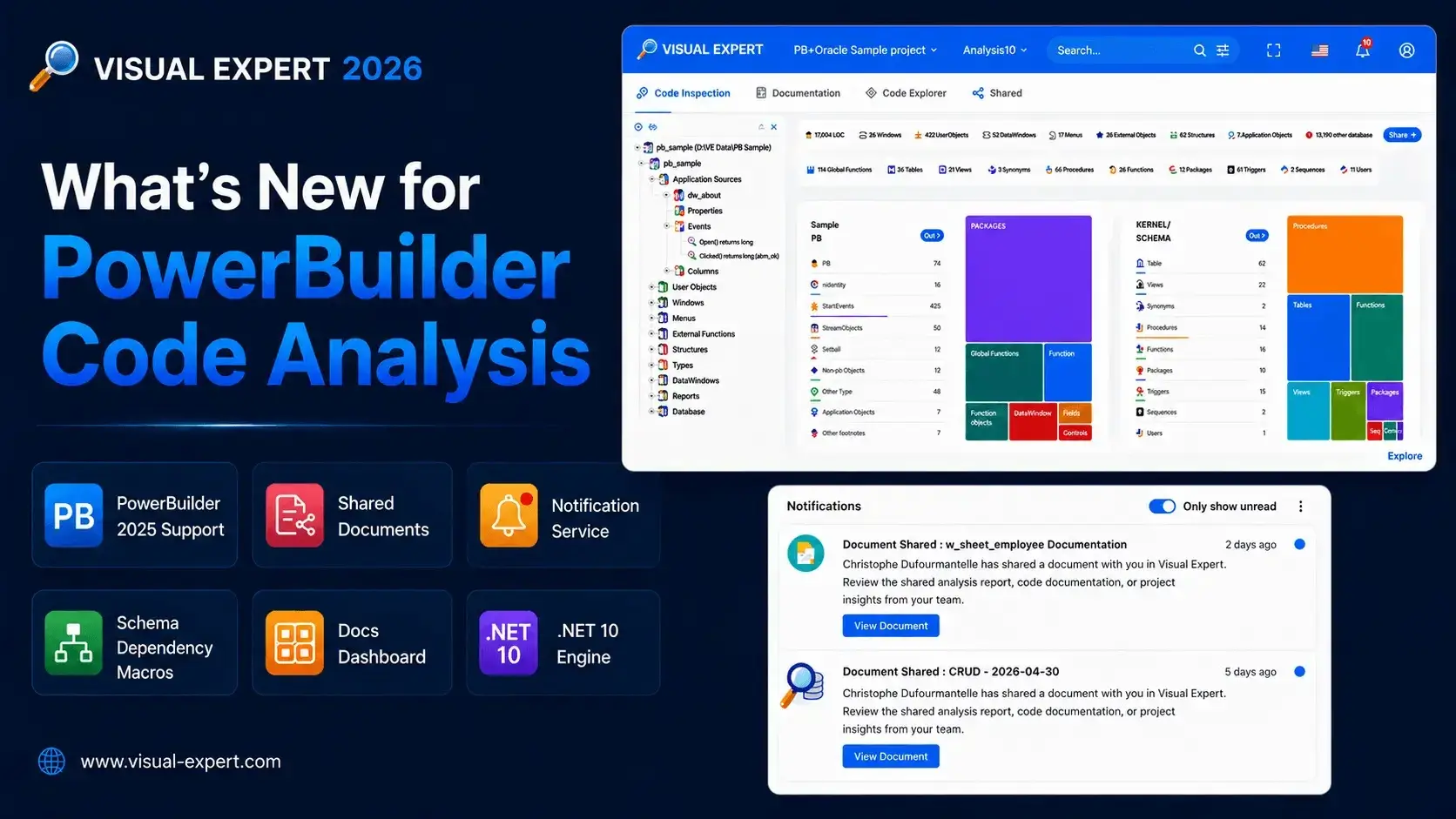
Visual Expert 2026 is out. For PowerBuilder teams, the release covers ground across code analysis, team collaboration, and platform modernization. Here is what matters and why.
PowerBuilder 2025 Support — With Smarter Inspection Rules
VE 2026 supports PowerBuilder 2025 source code for project creation and analysis. More importantly, Code Inspection rules have been updated for improved deprecated syntax detection and migration readiness. This means VE can now flag PB 2025 codebases not just for general quality issues, but specifically for syntax and patterns that are on their way out — giving teams a concrete, prioritized list to work through before those items become blockers in a future upgrade cycle.
Schema-Level Dependency Macros
Two new macros analyze dependencies at the database schema level, mapping callers and called objects across schemas rather than at the individual object level. For PB applications that span multiple databases or schemas, this provides a high-level view of how those schemas interact — something that previously required manual tracing or custom tooling. Particularly useful ahead of database refactoring, consolidation, or when onboarding new developers to a complex environment.
Shared Documents in VE Web: Collaborate via URL
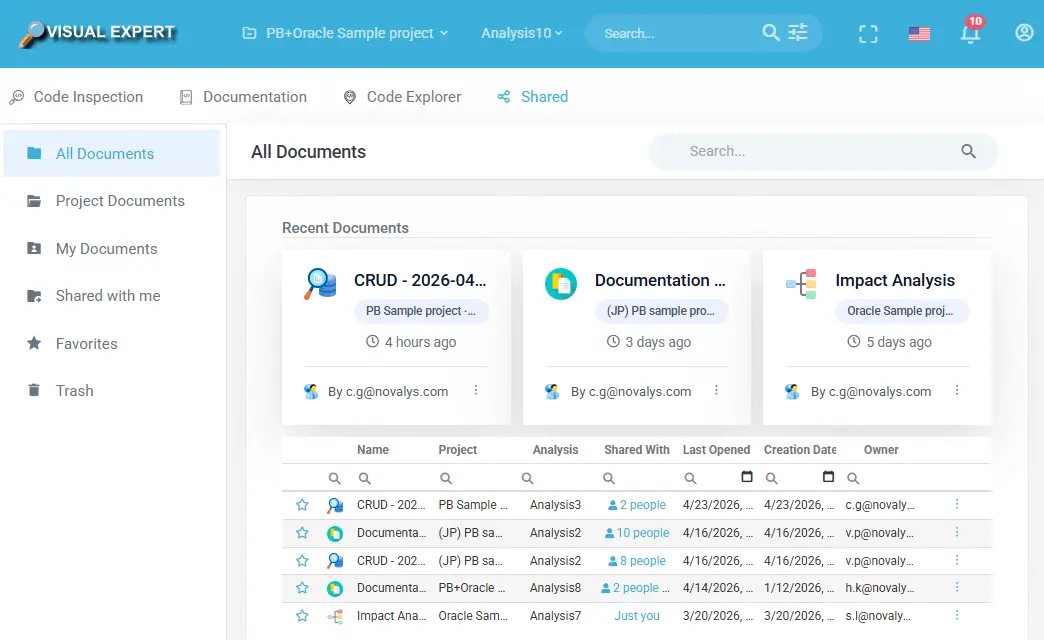
A new Shared Documents module in VE Web lets teams save and share analysis results via a unique URL, with per-user and per-group access control (read, edit, owner). Shareable content includes:
- Code Explorer views
- CRUD matrices
- Code Inspection results
- AI-generated reports
- Documentation snapshots
For PowerBuilder teams doing code reviews, coordinating between developers and business analysts, or onboarding someone onto a legacy codebase, this removes the need for manual exports and screen-sharing sessions. A central Shared Documents Hub keeps everything organized by project and owner.
Notification Service
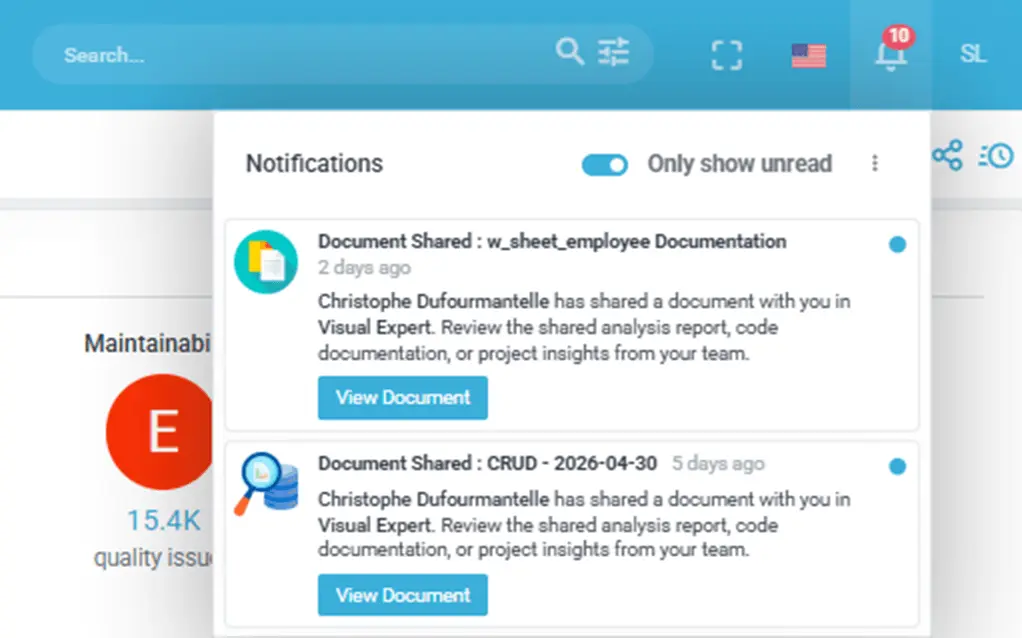
A background notification service delivers alerts for analysis completions, shared document activity, user changes, and system events — via email and within the VE interface. For teams running scheduled analyses on large PB projects, this means you can kick off an analysis and move on; VE will notify you when it finishes or if something goes wrong.
Documentation Dashboard Rebuilt with Treemaps
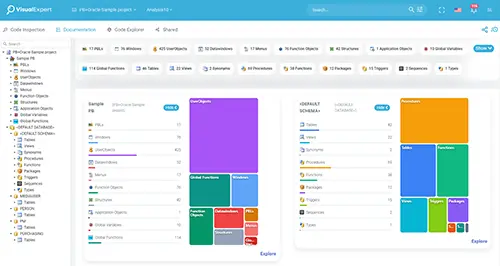
The VE Web Documentation Dashboard has been redesigned with interactive treemaps, replacing the previous accordion layout. For large PB codebases with many objects, this gives a faster visual read of documentation coverage — and each tile links directly to the corresponding object, so navigating from the overview to a specific window, function, or DataWindow is a single click.
Migration to .NET 10: Faster Analysis, Modernized Storage
The VE engine, VE Web, and VE Desktop are being migrated to .NET 10. For PowerBuilder teams running large codebases, the direct benefits are:
- Reduced analysis duration — the code analysis phase runs faster
- JSON-based storage — legacy binary serialization replaced with a modern format, more transparent and CI/CD-friendly
- Long-term security and support — the platform moves onto a supported, actively maintained runtime
This is infrastructure work, but its impact on large PB projects is real and immediate.
Security Improvements
- SQL Injection protections hardened, including hierarchy ID edge cases
- TLS/SSL: insecure protocol versions removed from VE Web configuration
- Access control reinforced across VE Web services
- Configurable password policy for VE Web administrators (arriving next release)
Download Visual Expert for PowerBuilder Full Release History
What's Next?
VE AI Phase 2 — AI Services Enhancements
The next release will include a significant update to VE AI — migrating to a more advanced model that delivers more detailed answers and faster response times. This release is expected in the coming weeks. Work on Phase 3, with a new series of AI services, is already underway.
While you wait, the Visual Expert AI White Paper — AI & Code Maintenance: The Guide to Co-Intelligence for Developers is available to download. It covers the thinking behind the AI services and where they are headed.
You can also read about Visual Expert AI Services on the Visual Expert website.
Defect Management
A dedicated workflow to track, assign, and resolve code issues identified by Visual Expert — directly within the platform. More details to follow.
About Visual Expert
Visual Expert is an enterprise application intelligence platform that gives organizations complete visibility into their PowerBuilder, Oracle, and SQL Server codebases — mapping every dependency, impact relationship, and structural risk across the application. Teams use Visual Expert to de-risk upgrades, plan migrations, and govern application changes with confidence.